

Steps
- 01
Compare official airport, carrier, and authorized reseller products.
- 02
Match validity to the complete trip, including arrival and departure days.
- 03
Read whether voice, SMS, hotspot, and local number are included.
- 04
Save the QR code and installation instructions offline.
- 05
Install at the instructed time and select the correct data line.
- 06
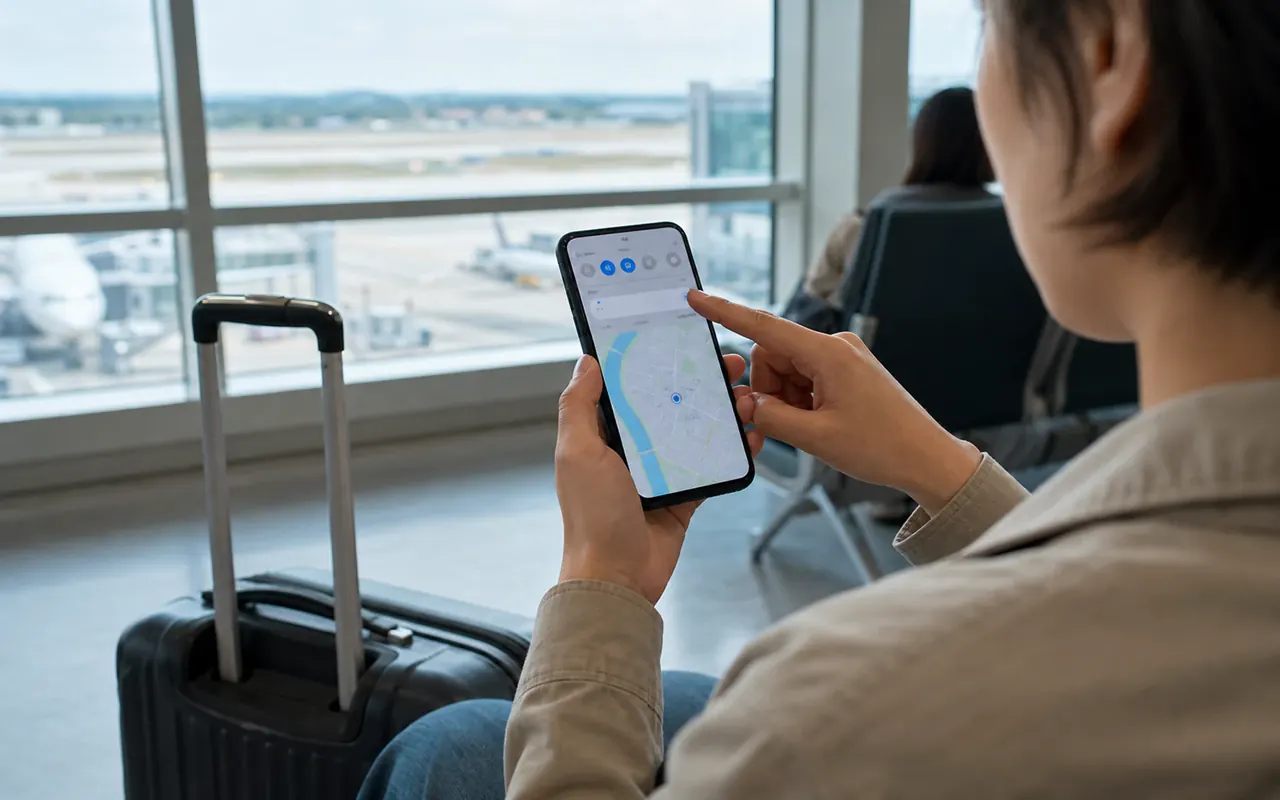
AI guide imageTest data, calls, and SMS before leaving the counter when staff support is available.
Before you start
- Confirm the phone is carrier-unlocked.
- Check eSIM support for the exact model and region.
- Decide whether bookings require a Korean phone number or only data.
- Check whether validity starts at purchase, QR installation or connection to a Korean network. Save the terms for speed after any high-speed allowance, hotspot use and reinstallation; an unlimited label does not answer these questions.
- A Korean number and incoming SMS do not by themselves guarantee identity verification for Korean services. Before buying, ask whether your booking service needs an ordinary SMS code or identity authentication, and whether the plan supports that requirement.
Internet works but verification SMS does not arrive?
- Open the purchased plan details: is it data-only, and does it include a number and incoming SMS? A phone number alone does not establish support for Korean identity checks.
- If data also fails, follow the seller’s instructions for the data line, roaming and APN. Do not delete the eSIM before checking whether it can be reinstalled.
- Check required SMS or identity verification with both the carrier and booking service. If unresolved, ask about email, an official desk or in-person booking, and separately confirm the reservation.
Show this to staff
데이터는 되는데 인증 문자가 안 와요. 이 상품의 문자 수신과 본인인증 지원 여부를 확인해 주세요.
Explain that data works but SMS does not, and ask whether the plan supports incoming texts and identity verification.
Easy points to confuse
- Buying an eSIM for an unsupported or locked phone
- Assuming a data eSIM includes a Korean number
- Deleting the eSIM before the trip ends
Practical example
If data fails, connect to Wi-Fi and find the actual seller under Support in your purchase email or order details. Provide order number, phone model, error screenshot and selected data line; check APN and roaming using that seller’s instructions. Do not delete the eSIM before confirming reinstallation. A plan bought from another provider is not a KT support case. If data works but verification SMS fails, check number, SMS and Korean identity-verification support separately and ask the booking service about email or counter alternatives.
Sources and review date · 3
Checked 2026-10-10 · Review by 2026-11-10