Steps
- 01
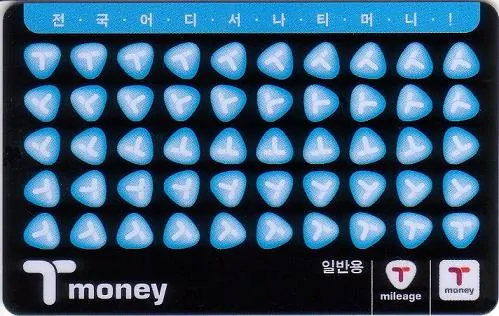
Buy a Tmoney or EZL card at a participating convenience store or subway station.
- 02
Ask separately for the amount to load. Buying the card does not automatically add travel credit.
- 03
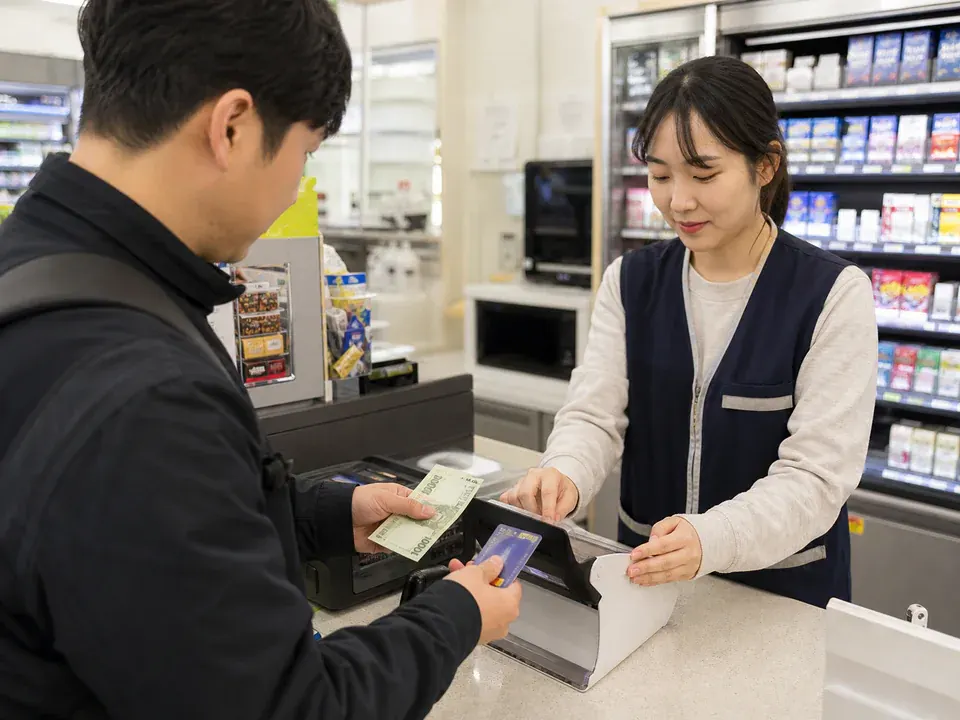
AI guide imageAt a convenience store, tell the cashier the reload amount and hand over the card and cash. - 04
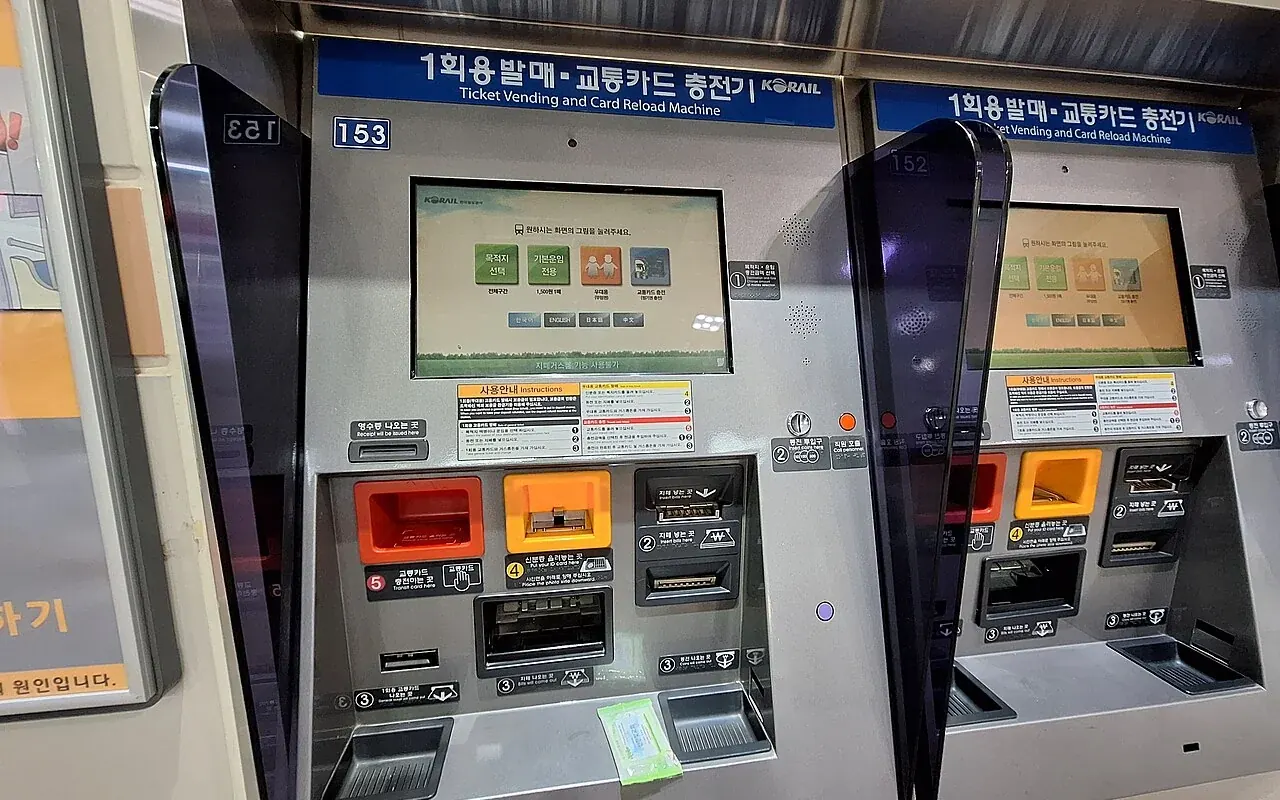
Field photoAt a station machine, select a language, place the card on the reader, choose the reload amount, and insert cash. Photo information
LandAndTree · CC BY 4.0 ↗ - 05
Check the reload amount and final balance on the confirmation screen or receipt.
- 06
During travel, watch the balance shown at gates and bus readers, then reload before it runs low.
Before you start
- Carry Korean won in cash for the card purchase and first reload.
- Prepare one card per person if the group will use buses, subways, or transfers.
- Find a participating convenience store or subway-station reload machine near the accommodation.
- Present just the card you intend to use, not a wallet full of contactless cards. Keep the same card for entry and exit so you can identify which balance was charged.
- Before seeking a balance refund, check your card operator’s refund locations, balance limits and fees. Stored value, the purchase price of a reusable card and a single-journey ticket deposit are different items; do not assume all are refundable together.
Transit card will not scan or the gate stays closed?
- Take one card out of your wallet and read the reader’s low-balance or error message. Identify the card used initially before repeatedly trying another one.
- For low balance, top up that same card at a nearby top-up point and check the result. If already inside the gate or the journey record is wrong, ask station staff.
- If a transfer discount is missing, record card, route and time for the operator. Using the same card at both ends does not guarantee a discount on every route or at every interval.
Show this to staff
이 교통카드의 잔액과 승하차 기록을 확인해 주세요. 어떻게 처리하면 되나요?
Ask staff to check the balance and entry/exit record and explain what to do.
Easy points to confuse
- Do not mistake the card purchase price for usable travel balance.
- Convenience stores and station machines generally use cash for reloads, so keep Korean won available.
- If the group will use the subway or transfer, do not pass one card around; use one card per person.
Practical example
Example: if a gate or bus reader shows insufficient balance, stop tapping repeatedly. Take the same card to a nearby convenience store or station machine, reload it with cash, confirm the final balance, and then try again.