
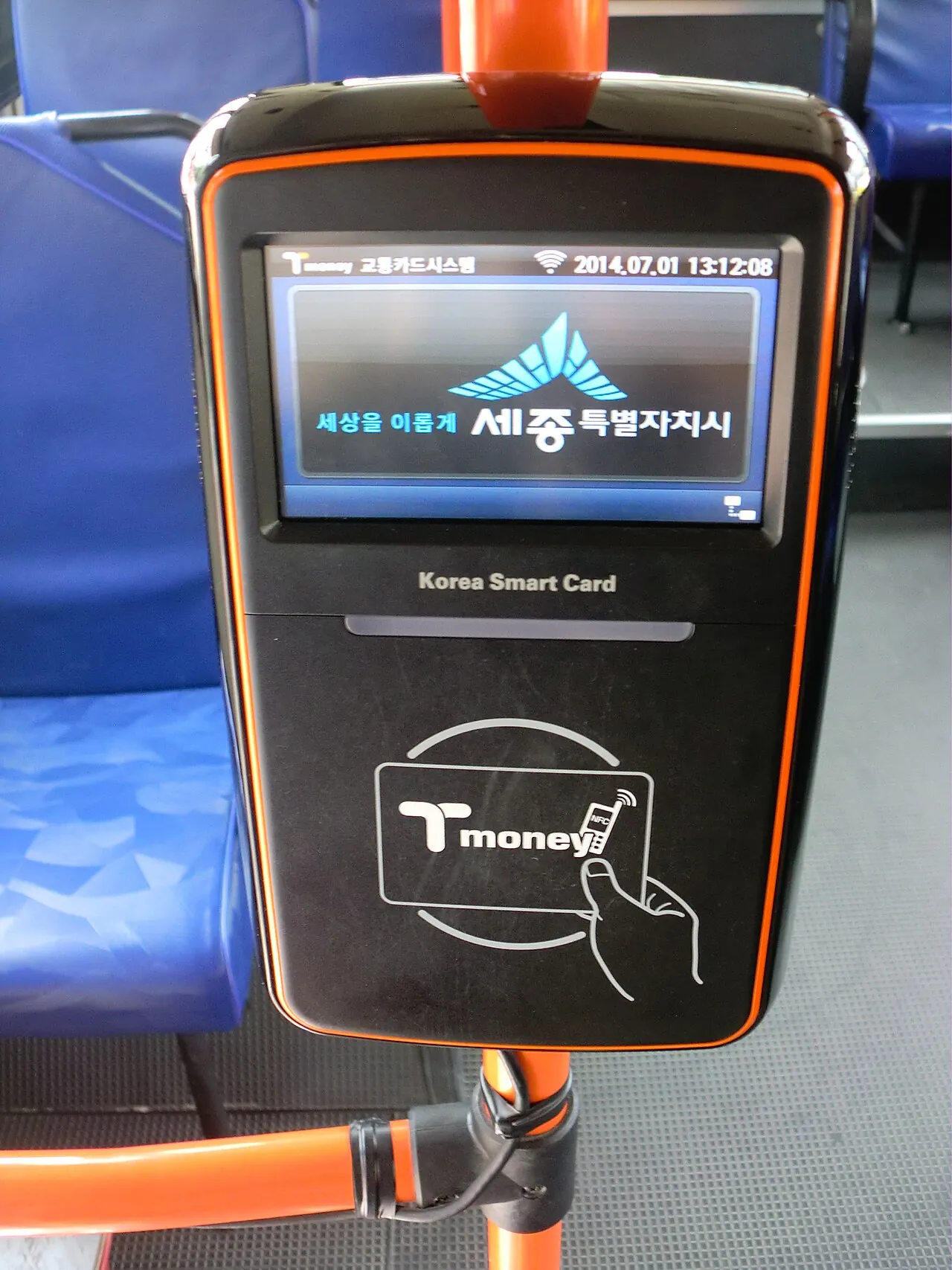
Steps
- 01
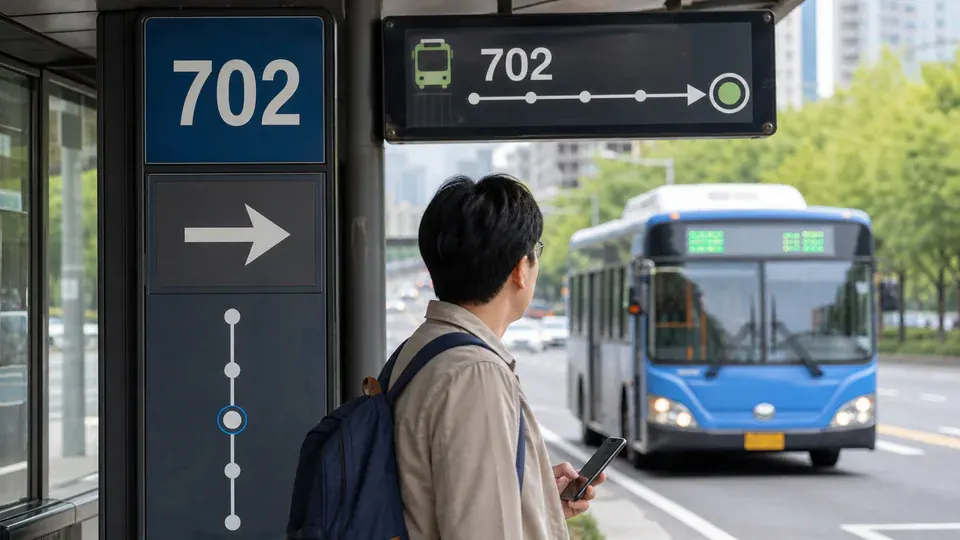
AI guide imageMatch the route number, direction, and destination stop on the bus display. - 02
Board through the front door unless staff direct otherwise.
- 03
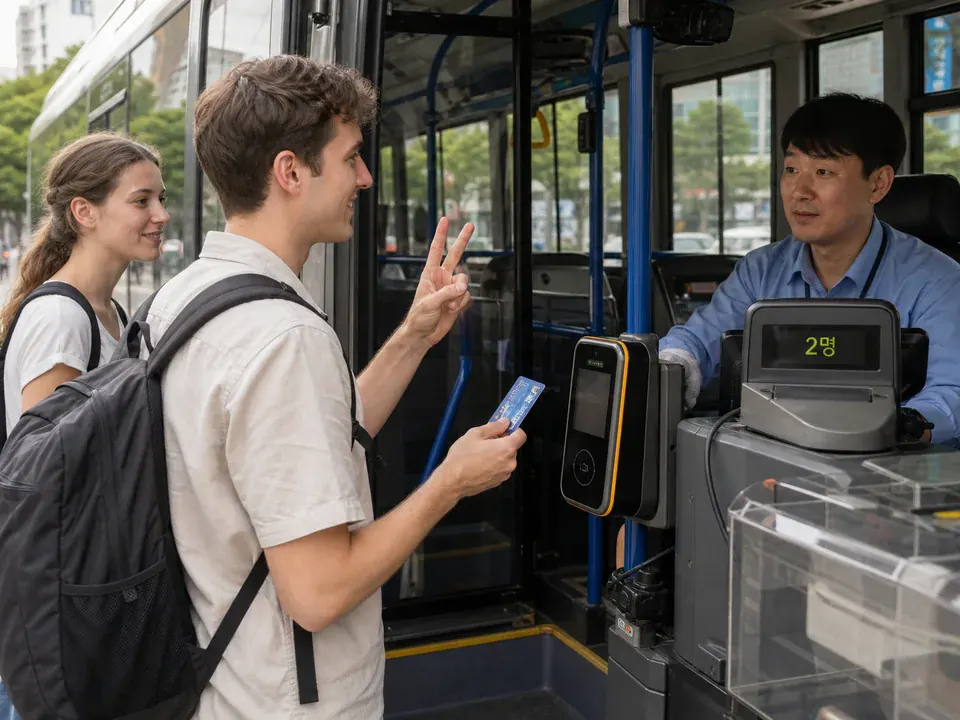
AI guide imageWhen traveling alone, tap one card once. For a group payment, state the passenger count before tapping and wait for the driver. - 04
Follow the next-stop screen, announcement, or map location.
- 05
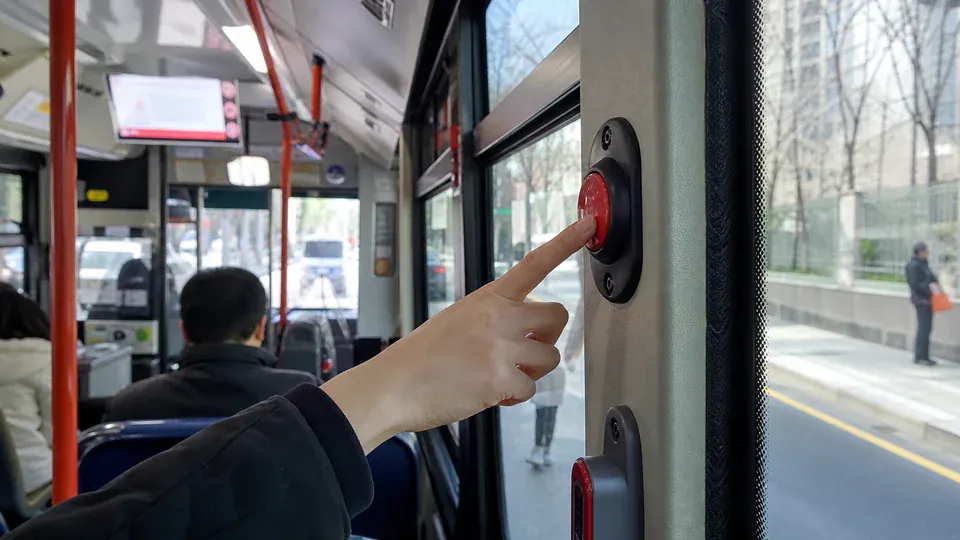
AI guide imagePress the stop button when the destination is announced as the next stop. - 06
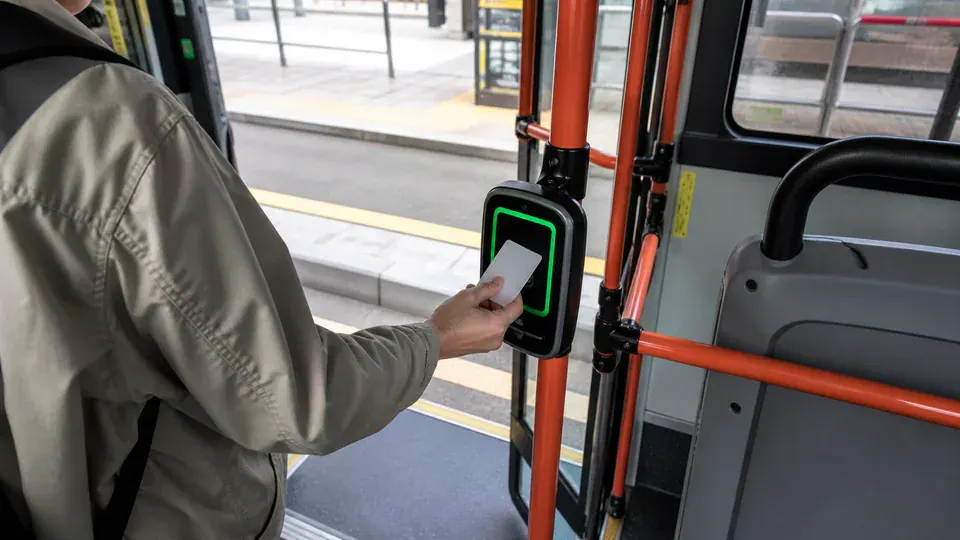
AI guide imageAfter the bus stops, tap the same card at the rear-door reader. A group paid on one card also taps that card once when leaving.
Before you start
- Save the route number and destination stop in Korean.
- Check the stop on the correct side of the road.
- Keep the transit card ready before boarding.
Easy points to confuse
- The same route number across the road may travel in the opposite direction; check the next major stop.
- Press the stop button when the destination is announced as next, not after the bus reaches it.
- Board through the front and leave through the rear so passengers do not block each other.
- Make the exit tap a habit even without a planned transfer because it records distance and closes the ride correctly.
Practical example
Example: if Gwanghwamun is the next stop, press the stop button as soon as that next-stop announcement plays. Prepare the card near the rear door, wait for the bus to stop, tap once, check the confirmation sound, and leave. If the bus passes the stop, leave at the next designated stop rather than asking the driver to reopen the doors in traffic.