
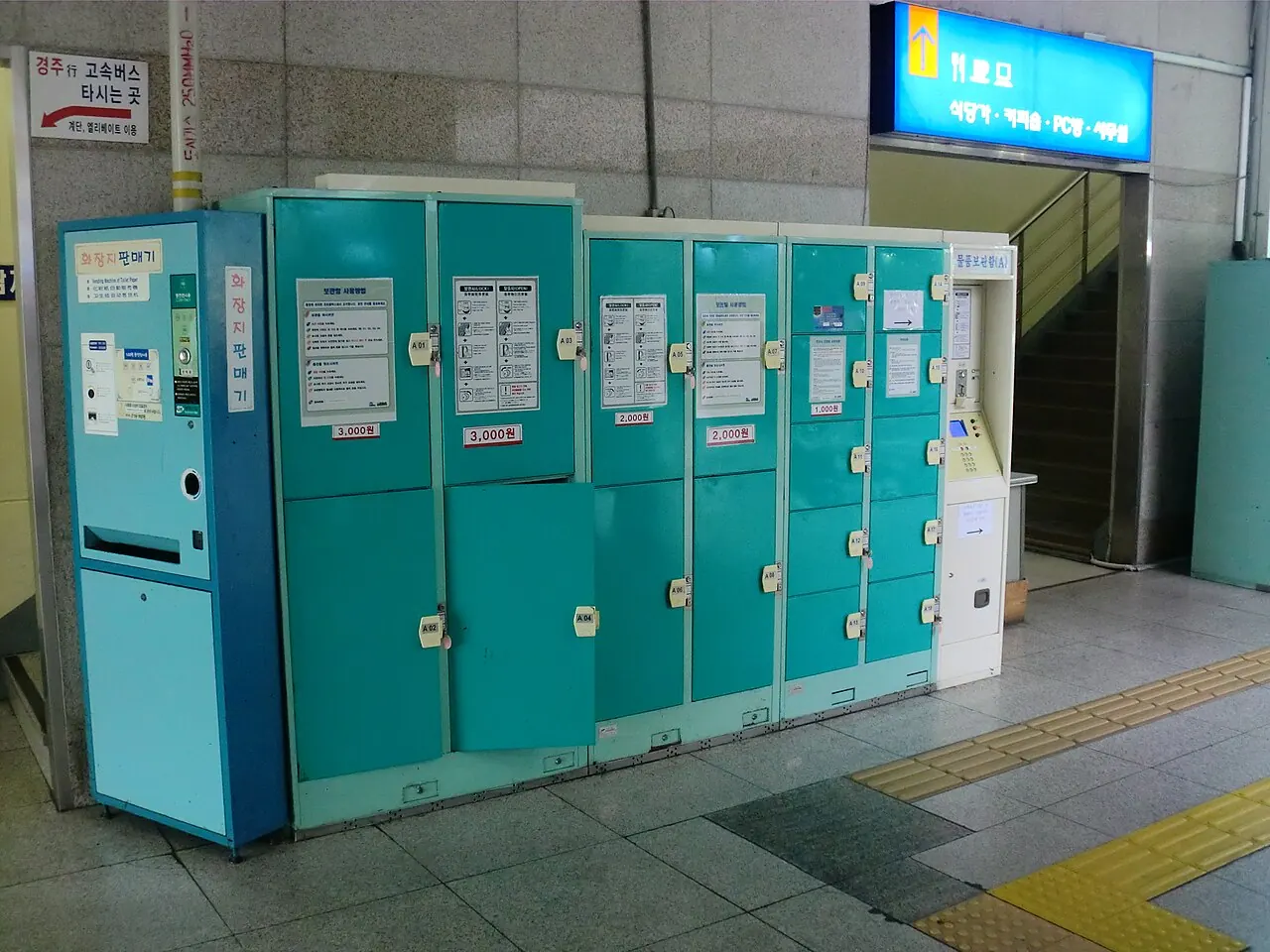
Steps
- 01

AI guide imageIf the bag fits, confirm an available station locker and its retrieval method before paying. - 02
For a large suitcase, use T-Luggage only after the official page confirms that a staffed counter is operating at your chosen station.
- 03
Save the locker details or the reservation QR and receipt; ownership proof may be requested if they are lost.
- 04
Return before the stated pickup deadline and check the final screen for any extra charge.
Before you start
- Find an operating locker or T-Luggage location at the station you will actually use.
- Confirm bag size, pickup time, and any location-specific extra charge.
- Keep passports, cash, medicine, electronics, food, and valuables with you.
Easy points to confuse
- Assuming every Seoul subway station has a staffed luggage counter
- Leaving a passport, cash, medicine, or electronics in the bag
- Assuming the bag can be collected immediately after the pickup deadline
Practical example
For a lock or payment error, call the operator number printed on the locker screen or wall. Prepare station name, locker number, payment time, receipt and error photo; check whether storage started before paying again. For staffed storage, check the actual location and pickup deadline under T-Luggage Locations, then save the QR from My Reservation. If no suitable locker or staffed location exists, ask your accommodation about storage through your booking messages.
Sources and review date · 2
Checked 2026-10-10 · Review by 2026-11-10