
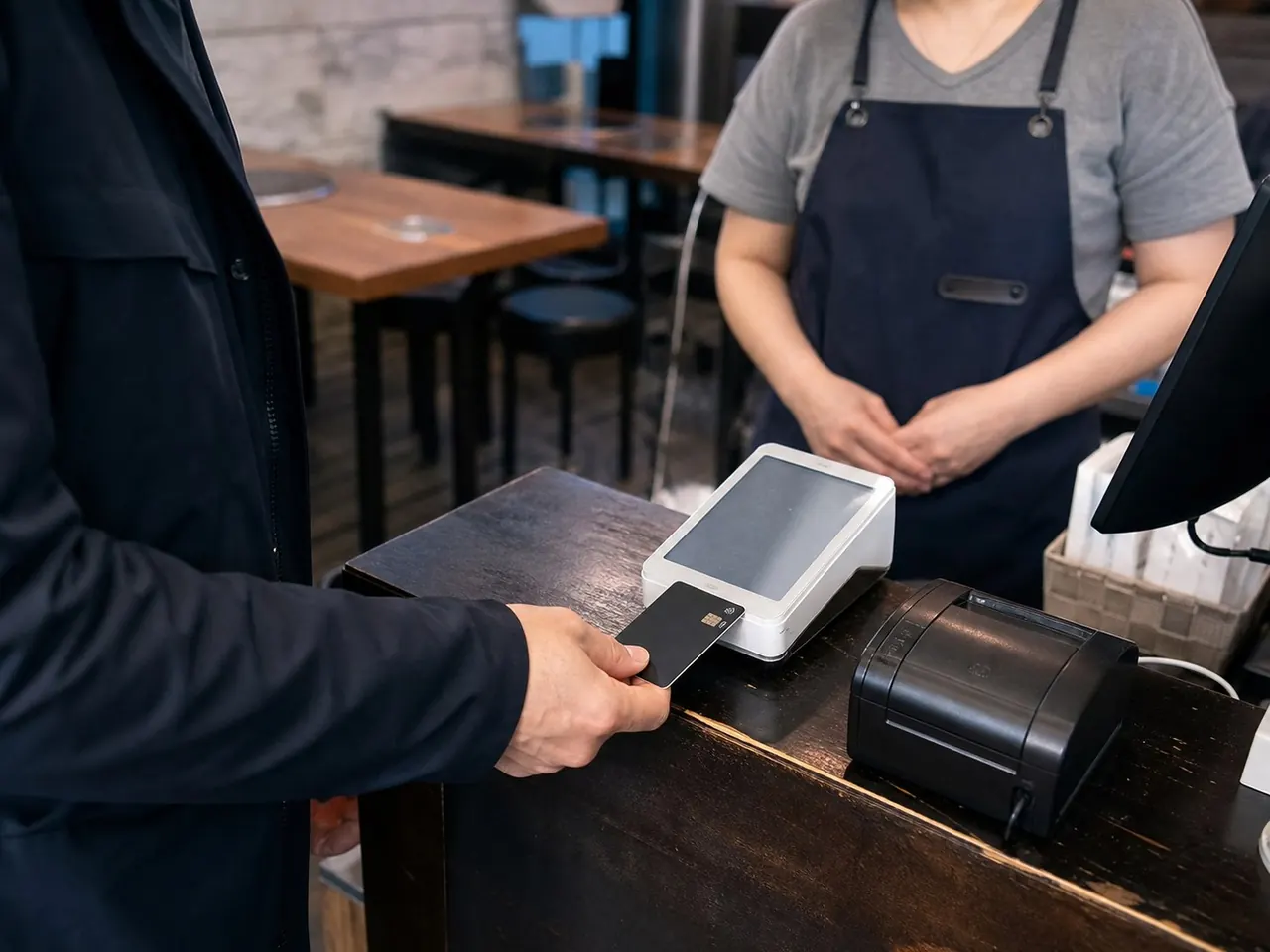
Steps
- 01
Check the total in Korean won before presenting the card.
- 02
Insert, tap, or swipe only as the terminal or staff directs.
- 03
If asked about currency, compare won billing with the card issuer’s conversion.
- 04
Complete any signature or PIN request.
- 05
Check the approval message and retrieve the card.
- 06
Keep the receipt until the charge appears correctly.
Before you start
- Enable overseas transactions with the issuer.
- Know the PIN and travel-notice policy.
- Keep a second card and cash in a separate place.
- A card working in a shop may face different foreign-card or authentication requirements on a booking website. Check supported cards and your issuer’s authentication method; keep the order confirmation and booking reference together.
- An authorization notification, a posted charge and a completed refund are different stages. For an apparent duplicate, gather receipts, times and amounts and ask the merchant and issuer to reconcile them. Follow your issuer’s processing times.
Card declined or charged twice?
- Before retrying, ask staff whether payment went through. Compare the time and amount in your card app with the receipt; an authorization alert alone does not confirm the order or final charge.
- If unpaid, ask to use another physical card or cash. If only online payment fails, check for an official sales desk that accepts overseas cards.
- Compare KRW with the exchange rate and extra costs offered for your home currency. Decline conversion if you want to pay in won; ask the merchant and issuer about existing charges, keeping the receipt.
Show this to staff
결제가 완료됐나요? 중복 결제 없이 다른 카드로 결제하고 싶어요. 원화로 결제해 주세요.
Ask whether payment completed, then request another card without a duplicate charge and payment in Korean won.
Easy points to confuse
- Traveling with one payment method
- Accepting an unfamiliar conversion without reading the amount
- Leaving the card in the terminal
- DCC is optional. If its rate or markup is unclear, decline conversion and request KRW billing. Issuer fees may still apply.
Practical example
Contact your issuer using the number on the card’s back or the transaction → Help section in its app. Prepare merchant name, time, amount, currency and receipt; ask whether it is pending or posted and how to cancel or dispute it. Ask the merchant to confirm payment using the same receipt. Never put full card numbers, PINs or one-time codes in public notes.
Sources and review date · 1
Checked 2026-10-10 · Review by 2026-11-10